

Platform · End user experience
The platform, as the sales advisor sees it.
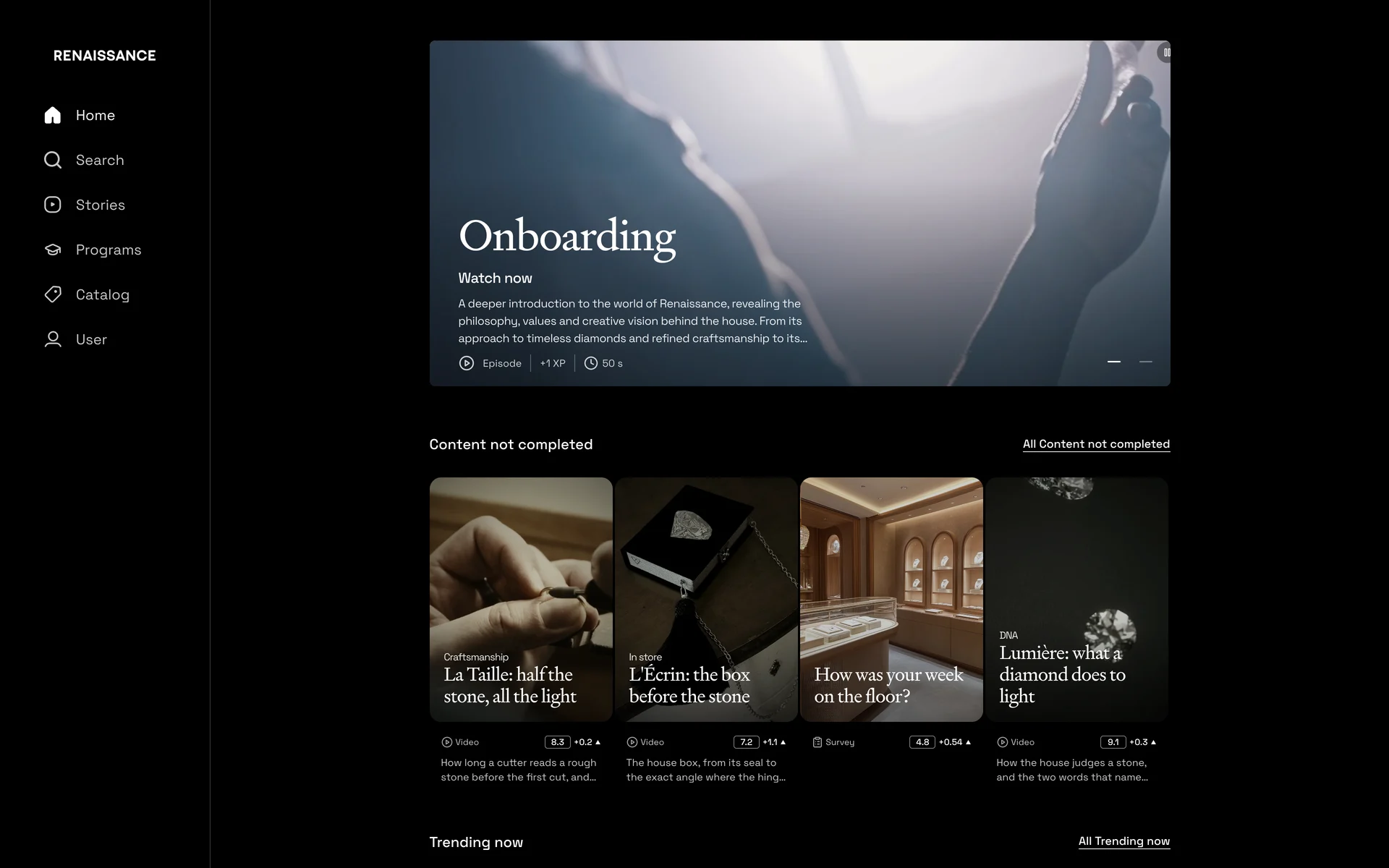
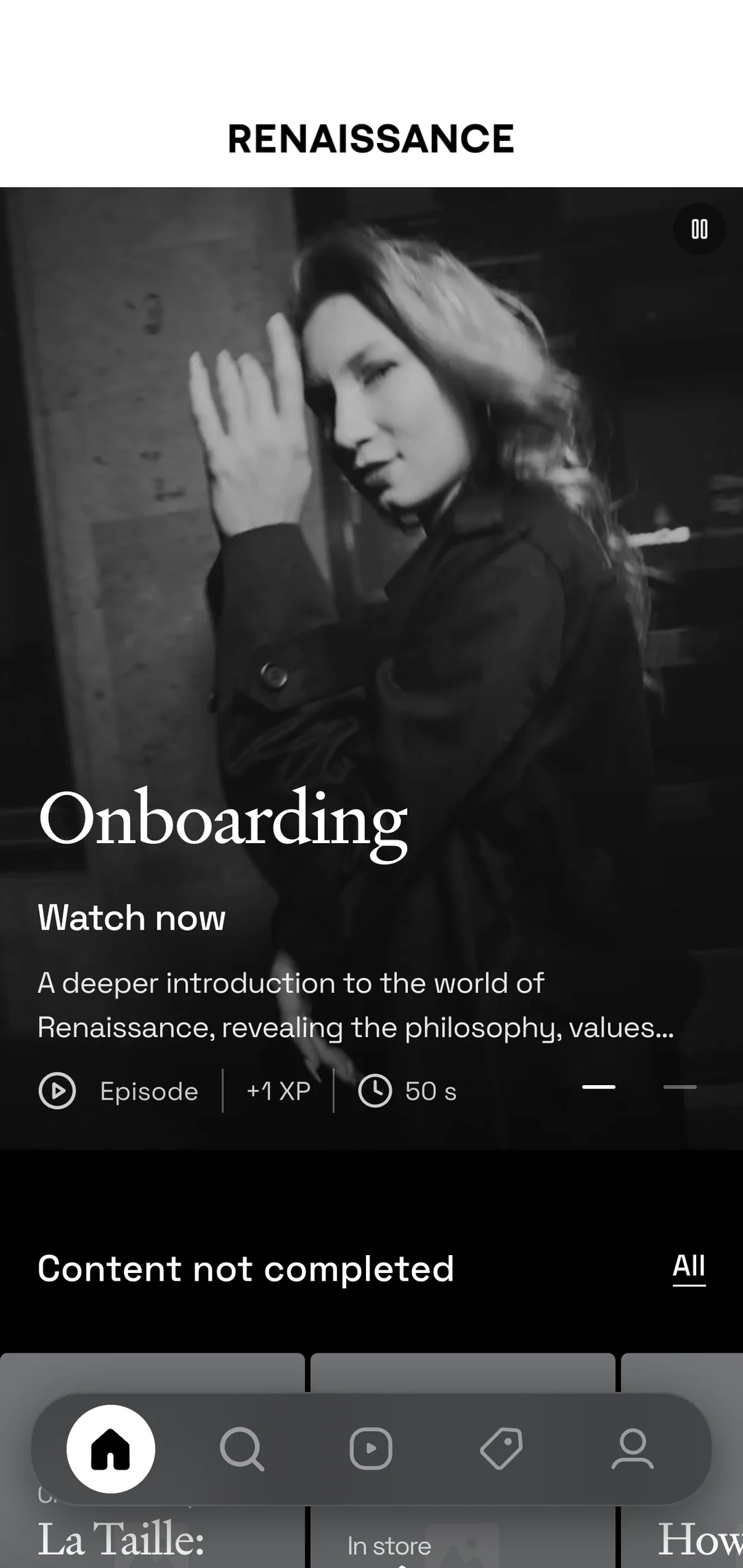
Everything the sales advisor needs to know about what they sell and how to sell it, in one app. The same experience also runs in the browser, on a computer or on a phone.
This page goes through that app the way an advisor uses it, screen by screen.
The walkthrough
See the platform the way your sales advisors will.
A step-by-step walkthrough of the screens they'll use most.
01/ 08
The feed
The day starts here. A feed of short episodes (videos, images, carousels, articles, podcasts, open questions, surveys, polls) chosen for this advisor and this store, one format after another, each a swipe from the next.
02/ 08
A Quest
A Quest takes one theme, a collection or a launch for example, and brings together everything the brand has on it. Episodes, products, stores, programs, even related Quests. XP marks the advisor's progress, and the page grows as new pieces and episodes join. It's like playlists for training.
03/ 08
A program
The longer subjects, cut into chapters with a quiz at the end of each. The app keeps the advisor’s place.
04/ 08
The products
Every product the brand sells has its page in the app, price and identifiers included. Each page ends with the episodes, programs and Quests that mention it. Look up a product and the training comes with it.
05/ 08
TU Agent
A client asks something precise. The advisor types the question and has a sourced answer in seconds, with a link to the episode, program, Quest or product behind it.
06/ 08
Reader Digest
Every episode can also be read: a few lines to remember, then the full transcript to check a detail. For a quiet moment, or when sound is not an option.
07/ 08
The comments
Beneath every episode, advisors can comment. Any comment translates with one tap, so an advisor in Tokyo can answer one in Paris, and the brand sees it all.
08/ 08
My Activity
One tap from their profile, the sales advisor sees where they stand. It shows their XP, their streak, time spent, and which episodes and programs are done or still waiting, so they always know what to do next.
And the rest
We stopped at eight screens; the app keeps going.
Here are some of what the eight stops leave out, names only. Each is a screen an advisor opens in a normal week. The full sheet describes them all.
Live Sessions Visual Merchandising Live Stories Quests Documents Product Catalogue Search Saved Levels and Rewards Offline Mode 80+ Languages
The full sheetTwo ways in
One platform, in the app and in the browser.
Everything on this page exists in two forms: a native app on iOS and Android, and the same platform in the browser, desktop or mobile. The account is the same, the content is the same, and an episode finished on one is finished on the other.
Advisors move between the two through the day. The phone comes out on the floor, in between clients. The browser makes more sense in the back office, or in a training session with a laptop open. Whichever they pick up, they find the platform where they left it.
Learn
Short Format Learning.
We didn't reinvent the wheel. We just brought how people already consume content, on Netflix, Instagram, TikTok, Substack, Spotify Podcasts into the world of training.
Short videos, carousels, still images, articles, podcasts, open questions, surveys and polls designed for retail teams to dive into between customers, on the commute or during a quiet moment. Quick to consume, easy to retain, ready for the next one. Produced either by the brand or by ToldUntold.
- Quick Recap Quizzes
- Playlists That Guide the Journey
- Quality Over Quantity

Learn
Long Format Learning.
Transform complex training into engaging, multilingual learning experiences.
Longer training formats designed to dive deeper into your learning topics, while keeping users engaged as if they were watching a Netflix series. That's the idea behind ToldUntold Programs making learning exciting, even when it involves mandatory HR compliance or complex technical training.
- Import Any Format
- Translation, Dubbing, and Subtitles
- Easy Migration
Beyond Video Content
We believe bold, resonant storytelling takes many forms. That's why our platform embraces a wide range of content formats, always studying what thrives on the world's leading social platforms and reimagining it for ToldUntold.
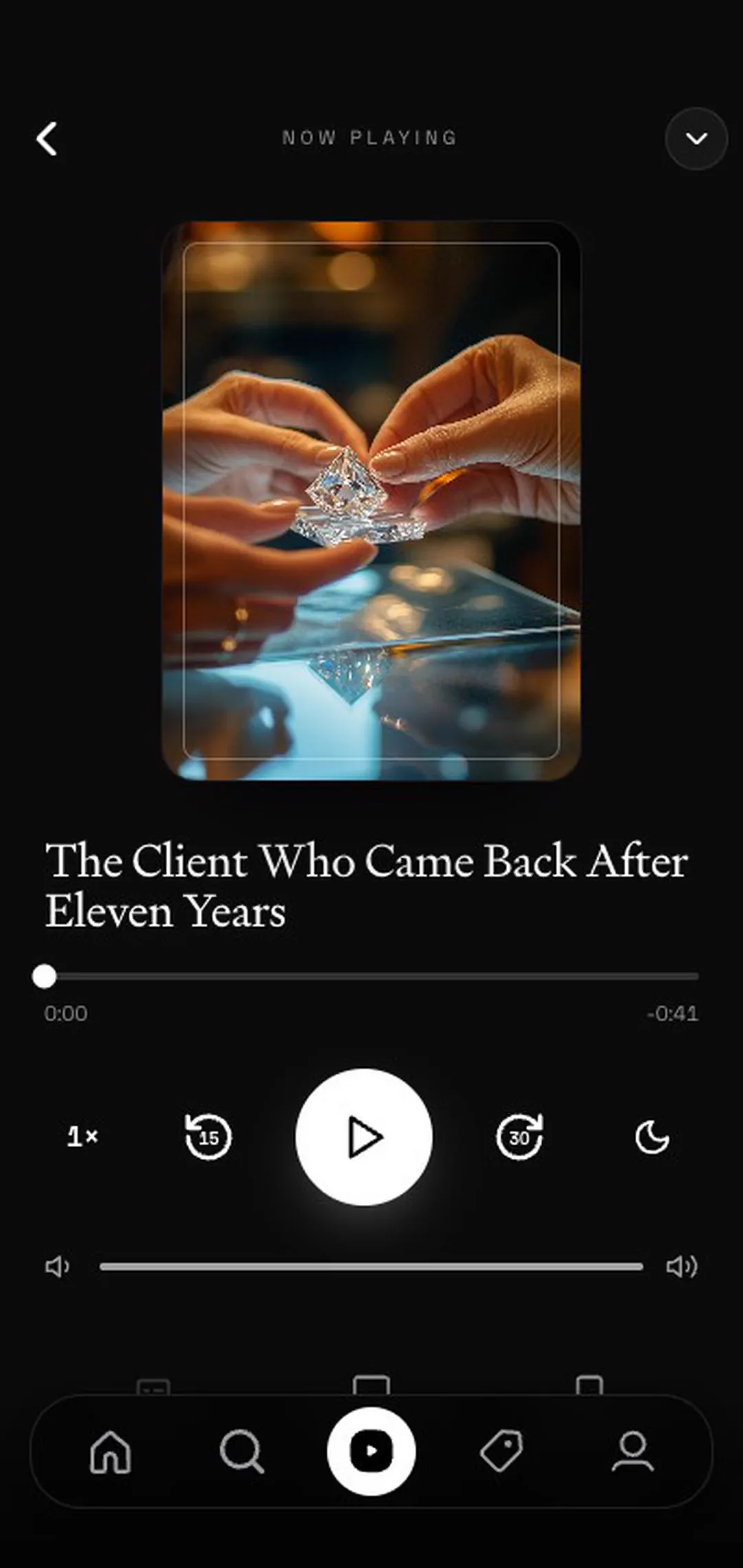
Podcasts
Bringing the beloved audio format to the training stage.
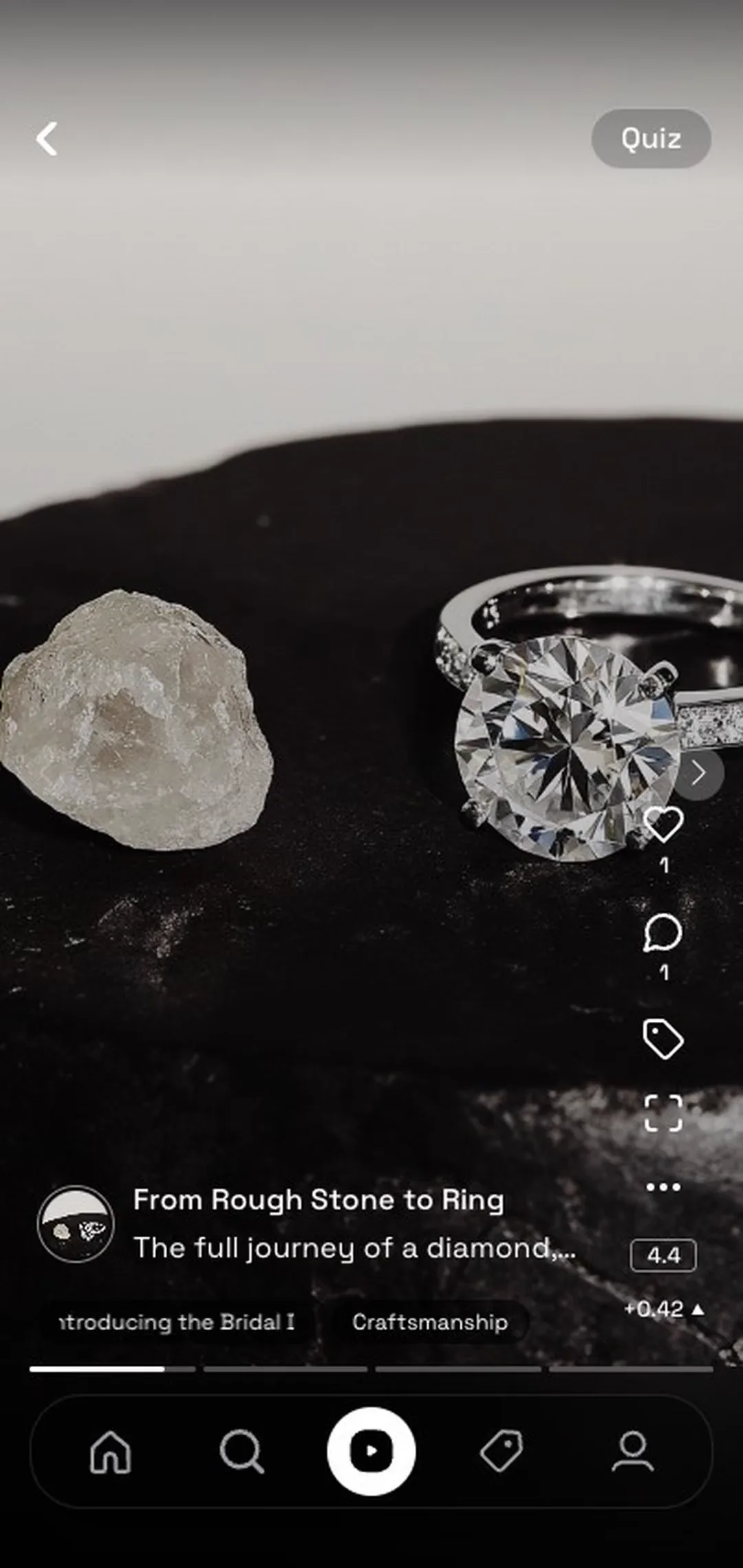
Instagram-like Carousels
An effective way to feed snackable short stories and information through a slideshow of images and/or videos, as a compelling alternative to standalone videos or longer format programs or presentations.
Still Images
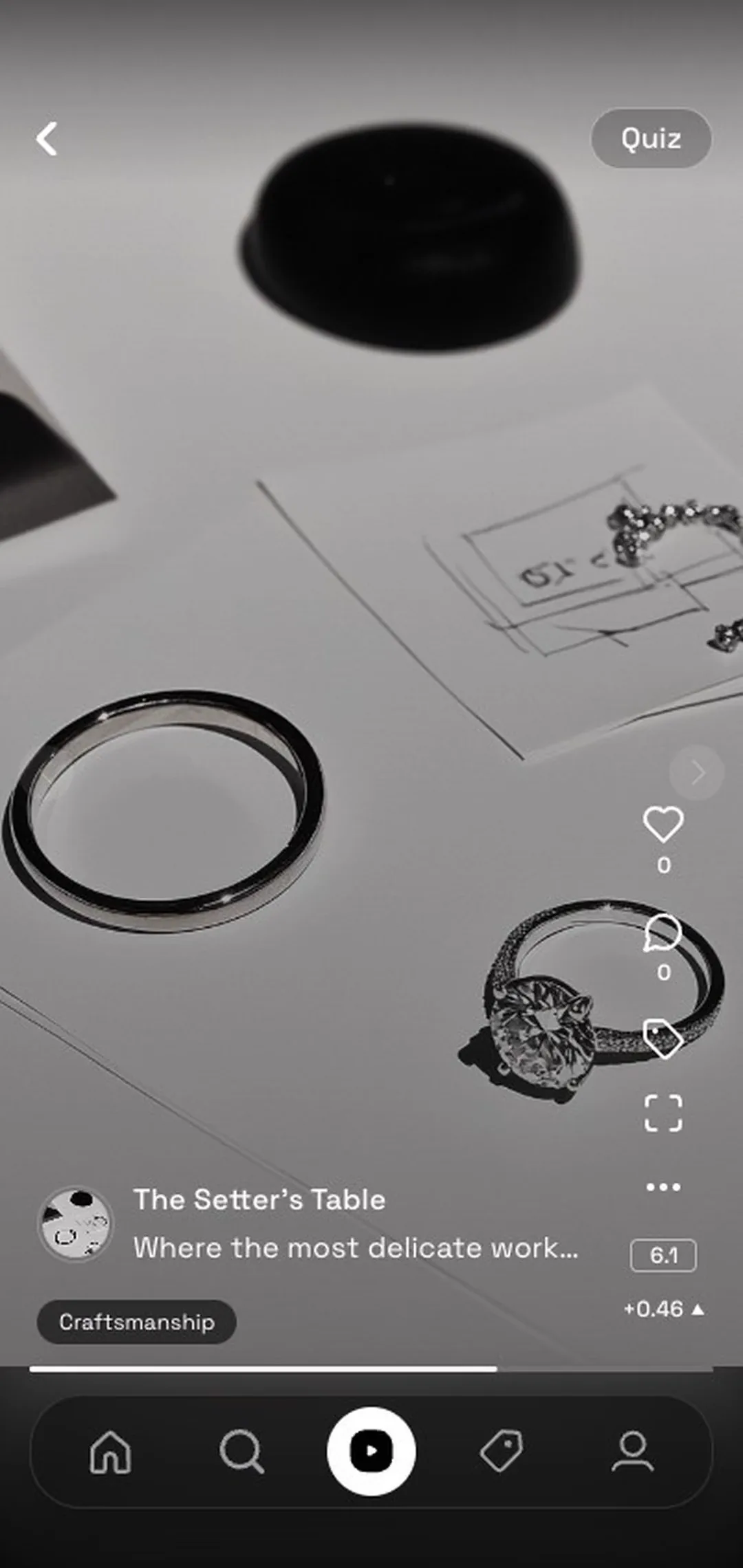
A single photo with a caption, the fastest format to publish: a new piece, this morning's window. It takes its place in the feed and can carry a quiz like anything else.

Articles
Create and upload Substack-style articles enriched with text, photos, quizzes, and episode links, and publish them to a specific group of users or globally.
Surveys & Polls
Ask a question with fixed answers, to one boutique or to the whole platform, and watch the results add up into a reading of how the floor is doing.

Open Questions
Leave the answers open and your advisors write their own. What comes back from the floor often teaches the house as much as the training does.
Sell
Product-Focused Selling.
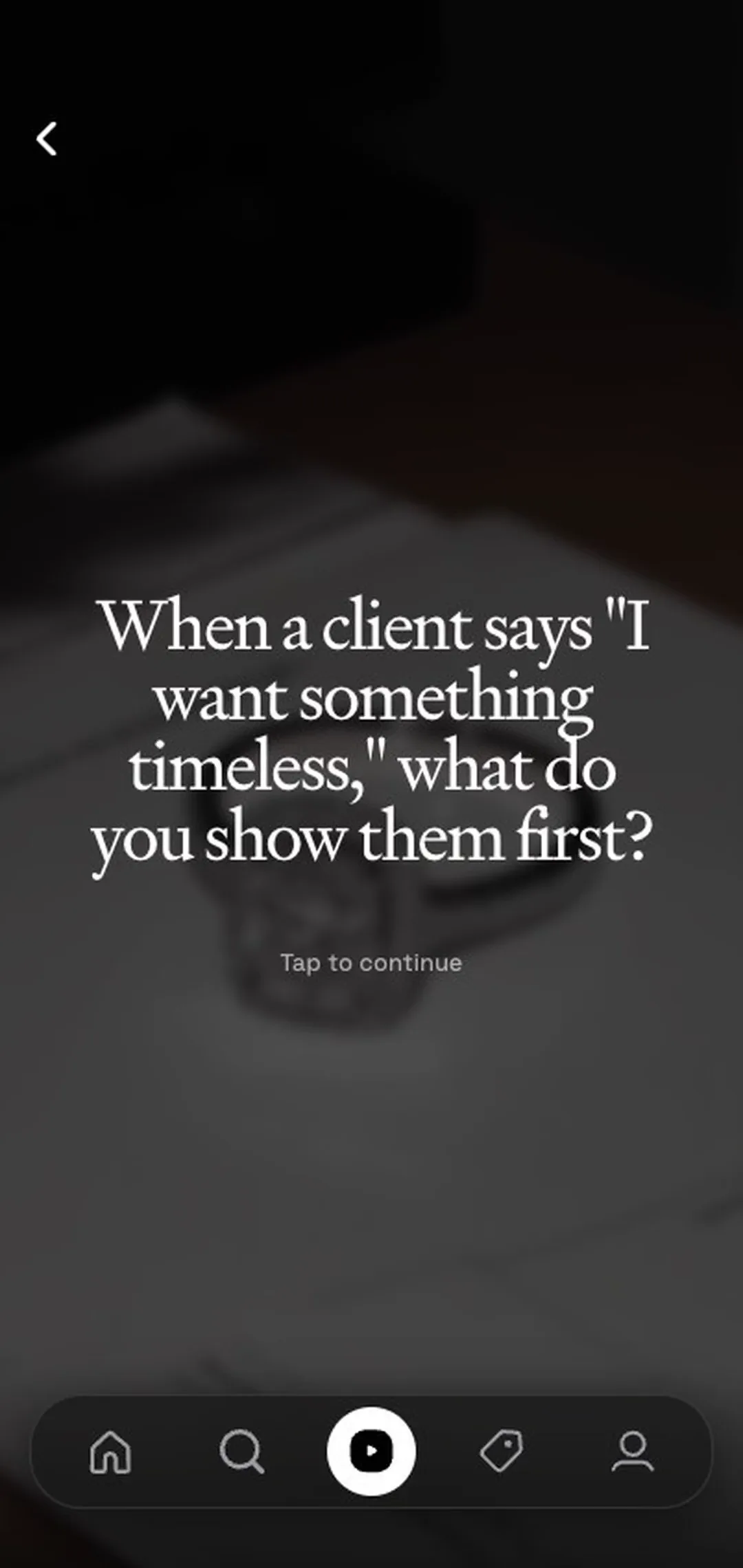
The brand's products lead the user journey. Every piece of content is tied directly to its product (when relevant), emphasising our commitment to focused product training and education.
Easily integrate your entire product catalogue into ToldUntold through a user-friendly admin interface or by connecting to your existing e-commerce API or BI solution.
- Knowledge Fragments
- Flexible Learning Pathways
- Real-Time Product Training Campaign Insights
TU Agent
An assistant that knows the house.
A client is asking about a specific handbag and its leather treatment process. Instead of guessing or asking a colleague on the shop floor who might not know as well, your sales' associate opens TU Agent and gets an accurate answer in seconds, with a direct link to the relevant training content.
Your episodes, your quests, your programs and the rest of your platform content are its first source, with the product documentation, brand guidelines and anything else you choose to index, automatically or by hand. Every answer is sourced, every answer is on-brand, and every answer leads deeper into the knowledge base.
- Contextual Answers
- Content Linking
- Data Sovereignty
Guided
The advisor always knows what is left to do.
On the home screen, a rail shows what remains: an episode still to watch, the program in progress, a quiz that closes a chapter. The advisor sees the day's work at a glance.
The objectives behind it come from the brand. HQ sets them for a market, a store or a period of time; a manager sets them for their own stores; newcomers get an onboarding path built for their first weeks. When a reminder arrives, one tap opens the item that is due.
The feed underneath is personalised as well. Each advisor sees a different selection based on their role, their market and their learning history, and HQ stays in control of the balance. The objectives themselves are set by people: the algorithm shapes the feed, managers decide the work.
- Objectives Set by HQ or Managers
- Onboarding Paths for Newcomers
- A Feed Tuned to Role and Market



Notifications
The app speaks up when something is waiting.
A notification means something waits for the advisor: a merchandising mission assigned or reviewed by HQ, a reminder on an objective, content left to watch, a live session about to start. One tap opens the item itself.
That is the whole policy. Notifications arrive when they matter and stay quiet when they do not. When the phone buzzes, it is worth reaching for.
- Merchandising Missions and Reviews
- Objective Reminders
- Live Sessions About to Start

Still very human
Live Session Training.
Connecting the online and the offline training experience. Modelled after Instagram Live, but for training, with real-time data and results for each session.
A host presents content, runs quizzes, and takes questions from participants with live video and audio. Hand raises, real-time scoreboards, and a content playlist that moves from product episode to quiz to discussion without leaving the platform.
- Instagram-Live but for training
- Real-time data, content playlists, quizzes
- Post-analytics reporting


Go further
Where the app leads.
Reference
Full specifications.
Every module on this page in its long version: the learning formats, the content types, personalisation, live sessions and TU Agent.
Read the specificationsAI
About our AI usage.
What the models personalise, what TU Agent answers with, and the rules they work under.
How we use AIBusiness intelligence
See what your teams are doing.
Every episode watched and every quiz passed becomes a number HQ can read, per store and per market.
Read the numbers